By Lindsey Baxter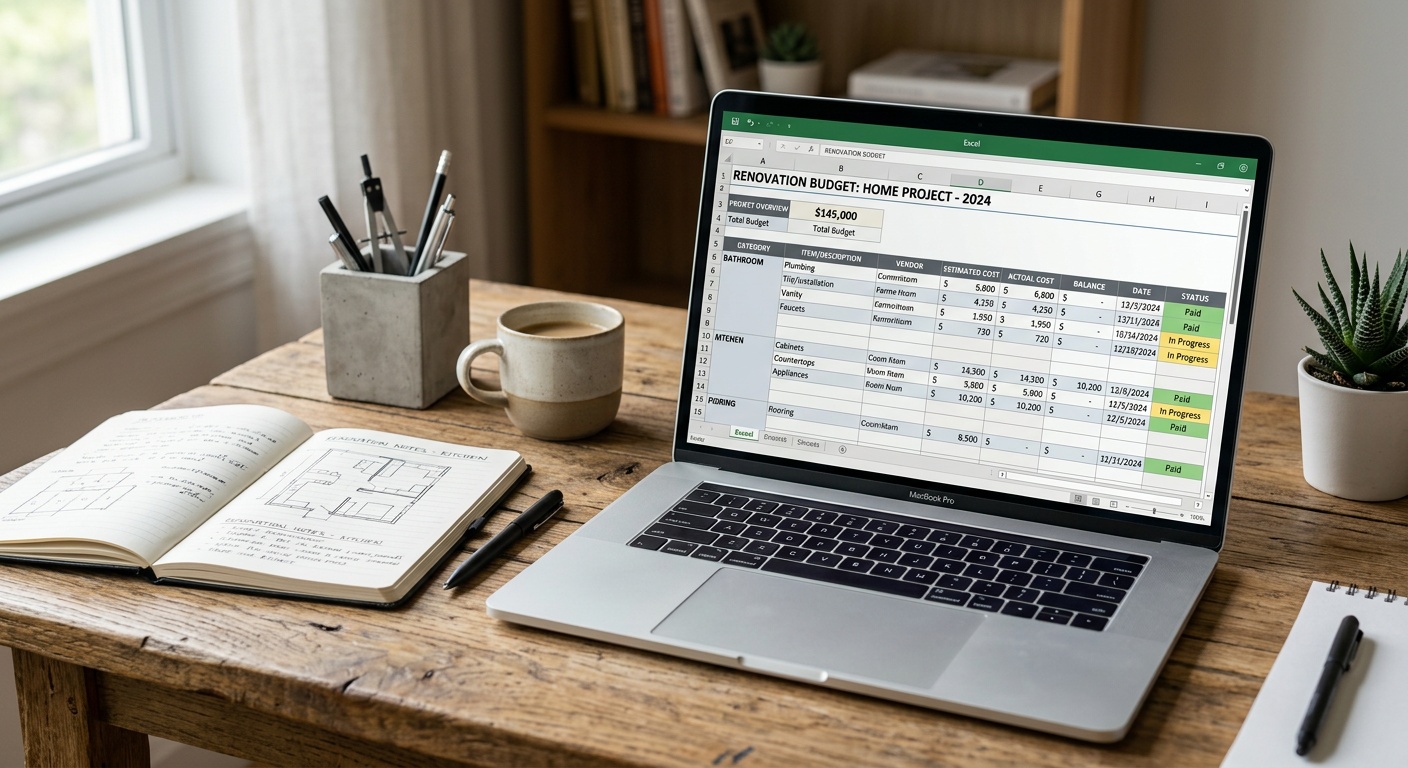
Home Renovation Budget Templates to Keep Costs Under Control
Reading time: 14 minutes
You opened this article because a number surprised you — maybe a contractor’s quote, maybe a material estimate that seemed to double overnight. You’re not alone. In 2026, the average American homeowner overspends their renovation budget by 34%, according to data from the Joint Center for Housing Studies at Harvard University. That’s not a rounding error. That’s a second bathroom you didn’t budget for.
Here’s the straight talk: renovation budget failures aren’t usually about bad luck. They’re about missing structure — no template, no tracking system, no contingency framework. The good news? A well-designed budget template transforms renovation chaos into a manageable, even empowering process.
This guide walks you through the most effective home renovation budget templates available in 2026, how to customize them for your specific project, and — crucially — how to use them to stay in control when costs start creeping up.
Table of Contents
- Why Renovation Budgets Fail (And What You’re Missing)
- Types of Budget Templates and When to Use Each
- The Anatomy of a High-Performing Budget Template
- Real-World Examples: Two Homeowners, Two Outcomes
- 2026 Average Cost Breakdown by Project Type
- The Contingency Rule Most Renovators Ignore
- Digital Tools That Supercharge Your Template
- Frequently Asked Questions
- Your Budget Command Center: Next Steps
Why Renovation Budgets Fail (And What You’re Missing)
Most renovation budgets fail for one of three reasons: scope creep, inadequate contingency planning, or no tracking mechanism. Understanding which trap you’re most likely to fall into is the first step toward designing a template that actually works for you.
Scope creep is particularly insidious in 2026. With social media platforms flooding homeowners with inspiration content, it’s easier than ever to start a kitchen refresh and end up with a full open-plan remodel. Each “small addition” seems reasonable in isolation — a pot filler here, heated floors there — but together they can add 40–70% to your original estimate.
Inadequate contingency planning is the second killer. Most first-time renovators allocate no buffer, while experienced renovators often under-budget contingency at 5–10%. The industry standard, and what every seasoned contractor will tell you, is a 15–20% contingency fund for projects involving structural work, and 10% minimum for cosmetic updates.
Finally, no tracking mechanism means you’re flying blind. Even a perfect initial budget becomes useless if you’re not recording every payment, every change order, every unexpected expense the moment it occurs. A template without a live tracking component is just a wish list.
“The budget template isn’t about restricting what you can do — it’s about making sure what you choose to do is sustainable and intentional.” — Maria Chen, Certified Renovation Planner, NKBA 2025
Types of Budget Templates and When to Use Each
Not every renovation is the same, and not every template serves every project equally well. In 2026, there are four primary template formats gaining traction among homeowners and professional remodelers alike.
1. The Line-Item Spreadsheet Template
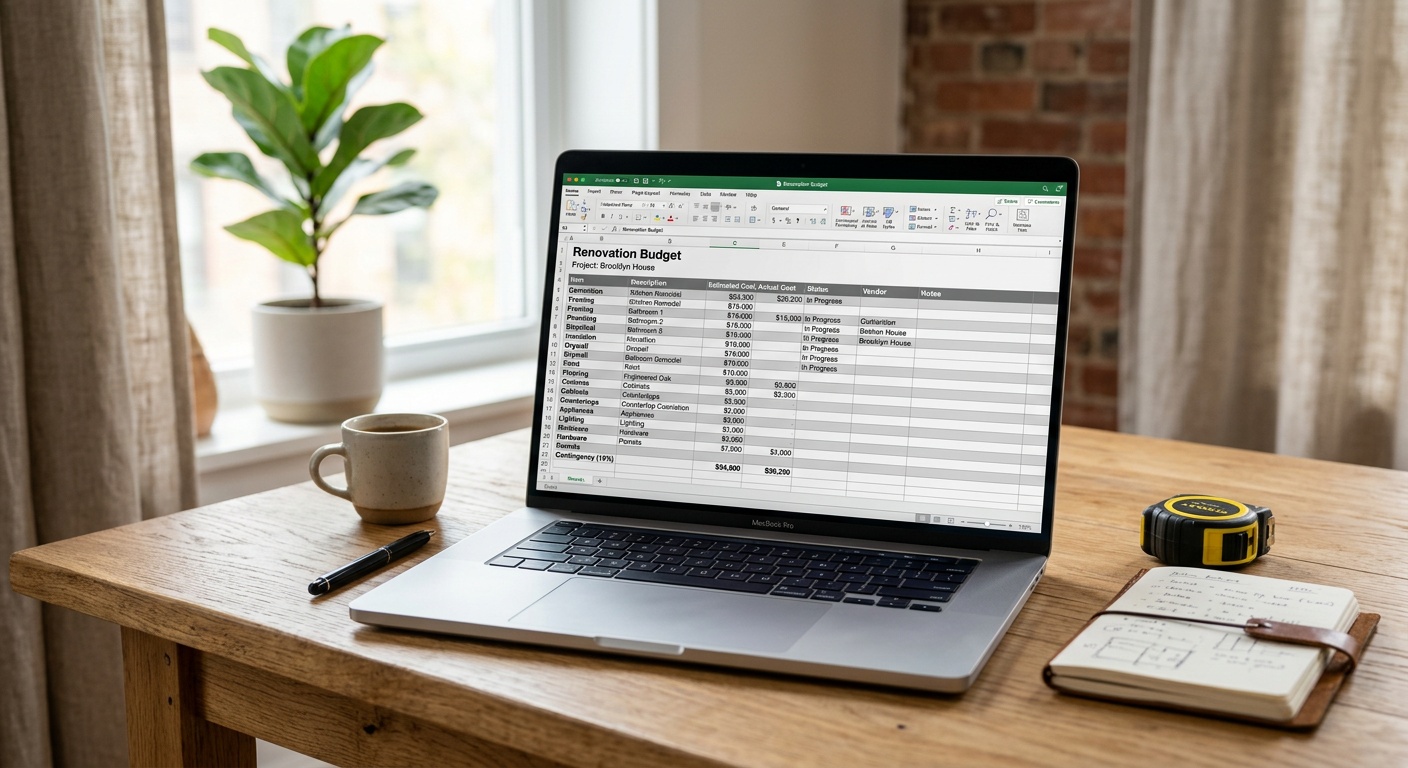
This is the gold standard for medium-to-large renovations — kitchen remodels, bathroom additions, full home renovations. The line-item template breaks every expense into granular categories: labor, materials, permits, design fees, cleanup, and contingency. Each line has three columns: estimated cost, actual cost, and variance. This simple three-column structure gives you instant visibility into where you’re tracking and where you’re drifting.
Best for: Projects over $15,000 with multiple contractors or trades involved.
Platform tip: Google Sheets remains the most accessible format in 2026, with new AI-assisted auto-categorization features that can flag unusual cost spikes in real time when connected to your bank or contractor invoices.
2. The Room-by-Room Template
If you’re renovating multiple spaces, a room-by-room template gives you both macro and micro visibility. Each room has its own budget sub-section, with totals that roll up into a master project budget. This format makes it easy to identify which room is burning through your contingency and adjust priorities mid-project without losing sight of the overall financial picture.
Best for: Whole-home renovations, house flips, or projects spanning 3+ distinct spaces.
3. The Phase-Based Template
Phased renovation budgets align your spending with your project timeline: demolition phase, rough-in phase, finishing phase, and final details phase. This format is particularly powerful for cash-flow management. Instead of having a lump sum at the start, you release budget tranches as each phase begins — a method that also helps you hold contractors accountable for milestones.
Best for: Projects with multiple contractors, owner-builder scenarios, or renovations where you’re self-funding in stages rather than using a lump-sum loan.
4. The Quick-Start Single-Project Template
Sometimes you just need to paint a room, replace a vanity, or install new flooring in a hallway. For single-room or cosmetic-only projects, an over-engineered template is overkill. The quick-start format has fewer than 15 line items, a single contingency row, and a simple payment tracker. It takes 20 minutes to complete and keeps you honest without drowning you in complexity.
Best for: Projects under $5,000 or single-trade jobs.
The Anatomy of a High-Performing Budget Template
Regardless of which format you choose, every effective renovation budget template shares the same core structural components. Think of this as your non-negotiable checklist before a single dollar is spent.
Essential Components Every Template Must Include
1. Project Scope Statement
Before any numbers, write a clear, one-paragraph description of exactly what this renovation includes — and critically, what it excludes. This scope statement becomes your defense against scope creep. When a contractor suggests an add-on or your partner falls in love with an upgrade, you return to the scope statement to evaluate whether it fits the defined project.
2. Cost Categories with Sub-Line Items
Organize every cost into these seven master categories, with sub-items under each:
- Labor (general contractor, subcontractors, day laborers)
- Materials (structural, finish, fixtures, appliances)
- Permits and Inspections
- Design and Architecture Fees
- Equipment Rental and Waste Removal
- Temporary Accommodation or Storage (if applicable)
- Contingency Reserve
3. Three-Column Cost Tracking
As mentioned earlier: Estimated → Actual → Variance. Add a fourth column for “Status” (Pending/Invoiced/Paid) and you have a complete payment ledger embedded directly in your budget.
4. Running Total with Budget Ceiling Alert
Set a hard ceiling figure at the top of your template — the absolute maximum you will spend. As actuals populate, your running total should automatically calculate the gap remaining. In Google Sheets or Excel, you can set conditional formatting to turn this number red when you’re within 10% of your ceiling. This visual trigger forces a decision point before you breach your limit.
5. Change Order Log
Change orders are the single biggest driver of budget overruns. Every time a contractor proposes a change — whether driven by unexpected conditions (hello, asbestos behind that 1970s wall) or homeowner preference — it must be documented, priced, and formally approved before work proceeds. A dedicated change order log within your template keeps this discipline intact.
6. Payment Schedule Tab
Separate from your line-item costs, a payment schedule maps out when money leaves your account and to whom. This is essential for cash-flow planning, especially if you’re using renovation financing or drawing down on a home equity line of credit (HELOC). In 2026, HELOC rates have stabilized in the 7.2–8.1% range, making draw timing increasingly important for total cost management.
Real-World Examples: Two Homeowners, Two Outcomes
Abstract advice is easy to ignore. Stories are harder to forget. Here are two renovation scenarios from 2025 that illustrate exactly what template discipline — or the lack of it — can mean in practice.
Case Study 1: The Kitchen That Cost $40,000 More Than Expected
David and Priya purchased a 1998 colonial in suburban Atlanta in early 2025. Their kitchen renovation goal was straightforward: new cabinets, new countertops, updated appliances, and a modest island addition. Initial contractor quotes came in at $62,000. Confident in that number, they set their budget at $65,000 — a mere 5% buffer.
They didn’t use a structured template. Decisions were tracked in a shared notes app, payments made via bank transfer without a log, and change orders verbally agreed upon on-site.
What happened? The island expanded twice because “we were already doing it.” A pot filler was added. They upgraded from quartz to quartzite. The contractor discovered outdated electrical that required a full panel upgrade ($8,400). By the time the project completed in late 2025, their final invoice was $103,200 — 58% over the original estimate. The lack of template structure meant there was no moment at which they saw the cumulative cost, only a series of individually justifiable decisions.
Case Study 2: The Bathroom Remodel That Came In Under Budget
Contrast that with Sarah, a freelance designer in Portland, Oregon. Her master bathroom remodel had an initial estimate of $28,000. She built a detailed line-item template in Google Sheets, set a hard ceiling of $31,500 (12.5% contingency), and required written change orders for anything over $200.
Mid-project, her contractor discovered water damage behind the shower wall — a common and costly discovery. The repair quote was $3,800. Because Sarah’s template had a living contingency tracker, she immediately saw this would consume most of her buffer. She made a deliberate trade-off: downgraded the heated floor from a full system to a mat-style unit, saving $2,100. The change order was logged. The final project cost: $30,750 — $750 under her ceiling and right within budget.
The template didn’t prevent the unexpected. It gave Sarah the information to respond to the unexpected intelligently.
2026 Average Cost Breakdown by Project Type
Understanding where money actually goes is foundational to building an accurate template. Here’s a comparative table reflecting 2026 national averages for common renovation projects.
| Project Type | Average Cost (2026) | Labor % | Materials % | Avg. Overrun Risk |
|---|---|---|---|---|
| Full Kitchen Remodel | $58,000–$95,000 | 40–45% | 45–50% | High (28–40%) |
| Master Bathroom Remodel | $22,000–$48,000 | 50–55% | 35–40% | High (22–35%) |
| Basement Finishing | $28,000–$65,000 | 45–50% | 40–45% | Medium (15–25%) |
| Room Addition (per sq ft) | $145–$310/sq ft | 55–60% | 30–35% | Very High (35–50%) |
| Flooring (whole home) | $12,000–$28,000 | 35–40% | 50–55% | Low (8–15%) |
Notice that projects with higher labor percentages (room additions, bathroom remodels) carry higher overrun risk — largely because labor is harder to estimate precisely and most vulnerable to hidden conditions. Your template should allocate proportionally more contingency to labor-heavy projects.
The Contingency Rule Most Renovators Ignore
Let’s talk about the contingency fund — the line item everyone adds too small and uses too carelessly. Here’s a data visualization of recommended contingency percentages by project complexity level, based on 2026 contractor survey data from the National Association of Home Builders (NAHB):
Recommended Contingency by Project Complexity (2026 NAHB Data)
Here’s the discipline most renovators miss: the contingency fund is not a slush fund. It is not available for upgrades you decide you want mid-project. It exists exclusively for unforeseeable costs — hidden damage, code compliance requirements, material price spikes, or contractor error remediation. Treat it as locked until a genuine unforeseen event occurs. If your project completes without touching contingency, congratulations — that money returns to your savings.
In your template, the contingency should be a separate, locked row that requires a formal “release” notation with justification before any funds are allocated from it.
Digital Tools That Supercharge Your Template
A template is only as powerful as the tool hosting it. In 2026, the landscape of renovation budgeting software has matured significantly, offering homeowners capabilities that would have required professional project management software just five years ago.
Top Platforms to Host and Enhance Your Budget Template
Google Sheets (Free — Best Overall)
Still the top recommendation for most homeowners due to its accessibility, collaborative features, and the growing library of free renovation budget templates in the Google Sheets template gallery. In 2026, Sheets’ integrated AI features (via Google Gemini) can help auto-categorize expenses when linked to a Gmail-connected bank account. The learning curve is minimal, and sharing with a partner, contractor, or financial advisor requires no additional software.
Houzz Pro Budget Tool ($59–$149/month — Best for Design-Forward Projects)
Originally designed for professionals, Houzz Pro’s budget module has been adapted for homeowner use since 2024. Its standout feature is the ability to link product selections directly to budget line items — when you save a tile to your project board, it populates the materials budget automatically. This eliminates the manual entry gap that causes most spreadsheet budgets to fall behind.
Renovation Budget by Buildertrend ($0 for homeowner portal — Best for Contractor-Managed Projects)
If your general contractor uses Buildertrend (increasingly common in 2026), request access to the homeowner portal. You’ll see real-time cost updates, change order approvals, and payment status in one dashboard. The transparency this creates fundamentally changes the contractor-homeowner dynamic for the better.
Microsoft Excel with AI Copilot (Microsoft 365 subscribers)
For users already paying for Microsoft 365, Excel’s Copilot integration in 2026 allows you to describe your renovation in natural language and receive a populated budget template with regional cost estimates pre-loaded. While estimates require verification against actual contractor quotes, the starting framework saves 2–3 hours of setup time.
Frequently Asked Questions
How detailed does my budget template really need to be for a small renovation?
For projects under $5,000, a 10–15 line-item template is perfectly sufficient. You need columns for description, estimated cost, actual cost, and payment status — and a single contingency line at 10%. Over-engineering a small project’s budget creates friction and you’re less likely to maintain it consistently. Match the template complexity to the project scale: simple projects deserve streamlined tracking, not corporate-grade financial models.
At what point in my renovation planning should I build the budget template?
Before you contact a single contractor. Build your template first with rough estimates drawn from online cost calculators and NAHB regional data. This gives you an informed baseline when you receive contractor quotes — you’ll immediately be able to identify which quotes are anomalously high or suspiciously low. Homeowners who build templates post-quote are essentially letting contractors define the budget for them, which puts you in a significantly weaker negotiating position.
What’s the most common mistake people make when filling out a renovation budget template?
Conflating quotes with actual costs. A contractor’s quote is an estimate, not a contract. Many homeowners populate their “actual cost” column with quotes before work begins, creating a false sense of financial security. Keep your “actual cost” column reserved for invoiced and paid amounts only. Use a separate “quoted cost” column between your estimate and actual columns to track the quote, and watch the variance between quote and invoice carefully — that gap is where overruns silently accumulate.
Your Budget Command Center: Next Steps
Here’s the empowering reality: the single biggest predictor of whether your renovation stays on budget isn’t the contractor you hire or the materials you choose. It’s whether you have a living, actively maintained budget template from day one. Every other strategy — contingency planning, change order discipline, trade-off decision frameworks — flows from that foundation.
As renovation costs in 2026 continue to reflect post-inflationary material pricing and tight skilled labor markets, the financial stakes of an unstructured approach are higher than ever. The gap between a well-templated and an un-templated renovation project can easily represent $15,000–$40,000 on a mid-range project. That’s not a minor variance — that’s a fully funded emergency fund or a significant retirement contribution.
Your immediate action roadmap:
- Choose your template format today — line-item for complex projects, quick-start for simple ones. Don’t wait for the “right time.” Start now, even with rough numbers.
- Set your hard ceiling before any contractor meetings — know your absolute maximum before anyone quotes you. This prevents anchoring your ceiling to their number.
- Lock in your contingency percentage based on project complexity — use the chart above. Mark this row as untouchable for non-emergency use.
- Implement the three-column tracking discipline from day one — Estimate, Actual, Variance. Update it every time money moves, no exceptions.
- Schedule a weekly 15-minute budget review — Fridays work well. Compare your running total against your ceiling, review any pending change orders, and flag any categories trending over estimate.
The broader trend shaping renovation finance in 2026 is the democratization of professional-grade project management tools — which means homeowners who embrace structured budgeting are increasingly operating with capabilities once reserved for professional developers and builders. The playing field has leveled significantly in your favor.
So here’s the question to sit with: If your renovation started tomorrow, would you be able to tell — at any moment — exactly how much you’ve spent, how much remains, and what decisions you’d need to make if an unexpected $5,000 cost appeared? If the answer isn’t an immediate yes, your budget template is waiting to be built.